The web was built for human eyes. For decades, developers have spent their time optimizing layouts, rendering fonts, and squeezing performance out of CSS engines. We built complex JavaScript frameworks to ensure that when a human lands on a page, they get a smooth, visually appealing experience.
Now, a massive chunk of web traffic is not human. It is LLMs running headless browsers to scrape data, fill out forms, or automate tasks. As AI agents handle more professional freelance jobs, running a full copy of Chromium in a Docker container just so an AI agent can read three lines of text is a massive waste of resources.
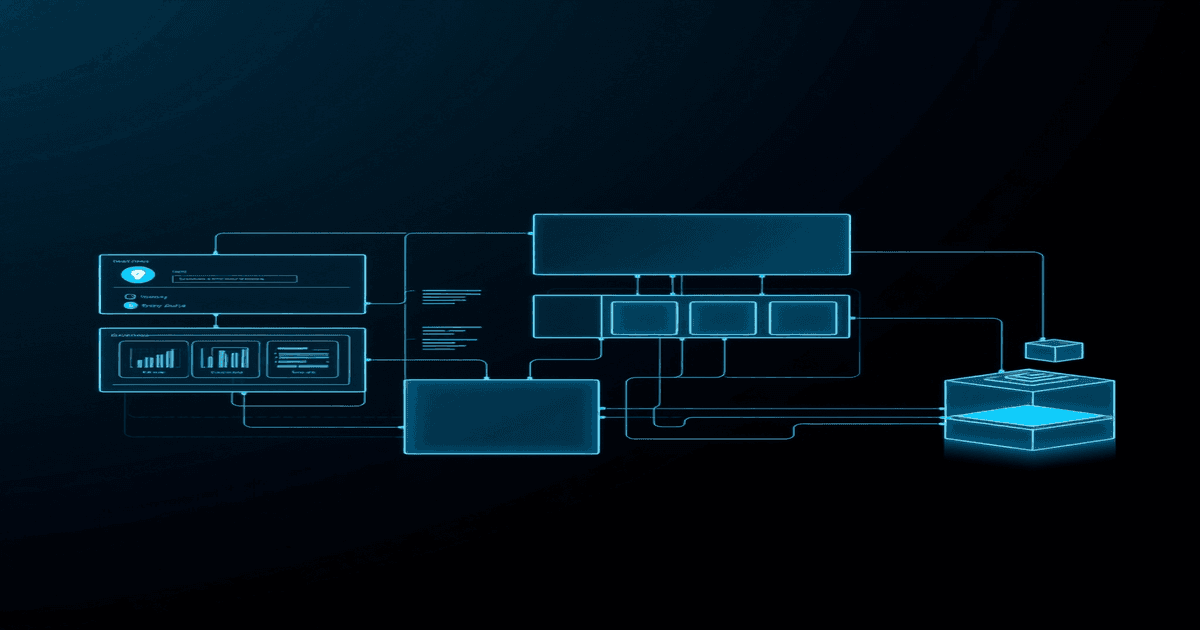
Cloudflare's Kitesurf is a response to this inefficiency. It is a headless browser engine built from the ground up for agentic workflows rather than human emulation. This aligns with other shifts in the ecosystem, such as how temporary Cloudflare accounts for AI agents are simplifying deployment pipelines. To understand why this matters, we have to look at how traditional headless browsers work and why they fall apart when scaled for AI.
The Heavy Tax of Chromium
When you run Puppeteer, Playwright, or Selenium, you are running Chromium under the hood. Chromium is a massive piece of software. It has to parse HTML, build the DOM, parse CSS, build the CSSOM, combine them into a render tree, calculate layouts (which can be surprisingly fragile, as seen in recent issues with browser sidebars breaking layouts), paint pixels, and composite layers.
If your AI agent only needs to read a table of stock prices or click a submit button, almost all of those steps are useless. The agent does not care if a button has a border-radius of four pixels or if the font is Helvetica. It only cares about the text, the interactive elements, and the underlying data.
Running a full Chromium instance just to extract a price tag is like hiring a semi-truck to deliver a single letter. It works, but it is slow, expensive, and resource-heavy.
In serverless environments, where many AI agent platforms run, memory is the primary cost driver. A standard Chromium process easily swallows 150MB to 300MB of RAM just sitting idle. Once you start navigating complex pages, that number climbs. Kitesurf strips out the visual rendering pipeline. By skipping the layout and paint phases, it cuts memory consumption. It keeps the DOM and the JavaScript engine (V8) but throws away the code responsible for drawing pixels on a screen.
The Protocol Bottleneck
Beyond memory, there is the communication protocol. Puppeteer and Playwright control Chromium using the Chrome DevTools Protocol (CDP). CDP is stateful, chatty, and runs over WebSockets. Every time an agent wants to find an element, click it, or read its text, it sends a JSON-RPC message over a WebSocket, waits for Chromium to process it, and receives a response.
In an agentic loop, where an LLM inspects a page, decides on an action, executes it, and inspects the new state, these network hops add up. Optimizing these loops is critical; for instance, we've seen how GitHub Copilot's agentic harness outperforms raw models by focusing on token and execution efficiency. If your agent controller is running in a serverless function in one region and your browser instance is in a container in another, the latency of these WebSocket roundtrips kills performance.
Kitesurf changes this by allowing the execution logic to run directly alongside the browser engine. By running on Cloudflare's edge network, the browser is physically close to the target website, and the control logic is close to the browser. This eliminates the constant back-and-forth over the network.
The Bot Detection Wall
The biggest headache for anyone building AI agents is bot detection. Websites use tools like Cloudflare, Akamai, and Imperva to block automated traffic. It is a strange situation: Cloudflare is one of the main tools used to block bots, and now Cloudflare is building a browser specifically for bots.
When an agent uses Kitesurf, it runs on Cloudflare's network. This opens up new ways to handle the bot-versus-human problem. Instead of trying to trick a website into thinking the agent is a human using a residential proxy, Kitesurf can use Cloudflare's infrastructure to establish trust. It allows for a model where agents can identify themselves honestly as verified bots and access data through optimized paths, rather than playing an endless game of cat-and-mouse with CAPTCHAs.
This shifts the philosophy of web automation. We are moving away from trying to make bots look like humans. Instead, we are building infrastructure that allows bots to run safely and transparently.
Comparing the Architectures
To see where Kitesurf fits, we can compare it to traditional headless setups across key metrics:
| Metric | Traditional Headless (Chromium) | Cloudflare Kitesurf |
|---|---|---|
| Memory Footprint | High (150MB - 500MB+) | Low (optimized for edge limits) |
| Startup Time | Slow (seconds, high cold start) | Fast (milliseconds, edge-native) |
| Control Protocol | Chatty WebSockets (CDP) | Direct edge API / local execution |
| Rendering | Full layout, paint, and compositing | DOM and JS execution only |
| Primary Use Case | Visual testing, screenshots | Data extraction, agent actions |
If you are building a tool that needs to test visual regression, verify CSS layouts, or take screenshots of rendered pages, Kitesurf will not work. It is not designed to show you what a page looks like. It is designed to tell you what a page does and let you interact with it programmatically.
How it Changes the Developer Experience
For developers, Kitesurf fits into the serverless ecosystem. Instead of managing a pool of expensive, stateful browser containers on Kubernetes, you can invoke a Kitesurf instance via a simple API call within a Cloudflare Worker. The browser spins up instantly because it does not have the cold-start overhead of a full desktop browser engine.
This changes how we write scraping and automation code. In a traditional setup, you write a script that looks like this:
const browser = await puppeteer.launch();
const page = await browser.newPage();
await page.goto('https://example.com');
const data = await page.evaluate(() => {
  return document.querySelector('h1').innerText;
});
await browser.close();
With Kitesurf, the API is designed around semantic selectors and direct DOM interaction. Because it runs on the edge, you can run lightweight JavaScript files that interact with the page without worrying about managing browser lifecycles or cleanups. The platform handles the lifecycle of the browser context automatically.
The Semantic Web for Machines
The long-term implication of this technology is a shift in how websites are designed. For years, we built APIs for machines and HTML for humans. But building and maintaining APIs is expensive, and companies often deprecate them or lock them behind paywalls. AI agents are forcing us to treat the HTML web as the universal API.
Kitesurf is the runtime for this new paradigm. It treats the web page as a structured database rather than a visual canvas. By stripping away the visual baggage of the web, it allows machines to read and interact with websites at the speed of data, not the speed of human vision.
As agentic workflows become standard, the lightweight, edge-native browser will become a core piece of the modern developer's toolkit. We no longer need to simulate a human sitting at a screen just to pull data from a page. We just need an engine that can run JavaScript and parse the DOM, and that is exactly what Kitesurf is designed to do.